
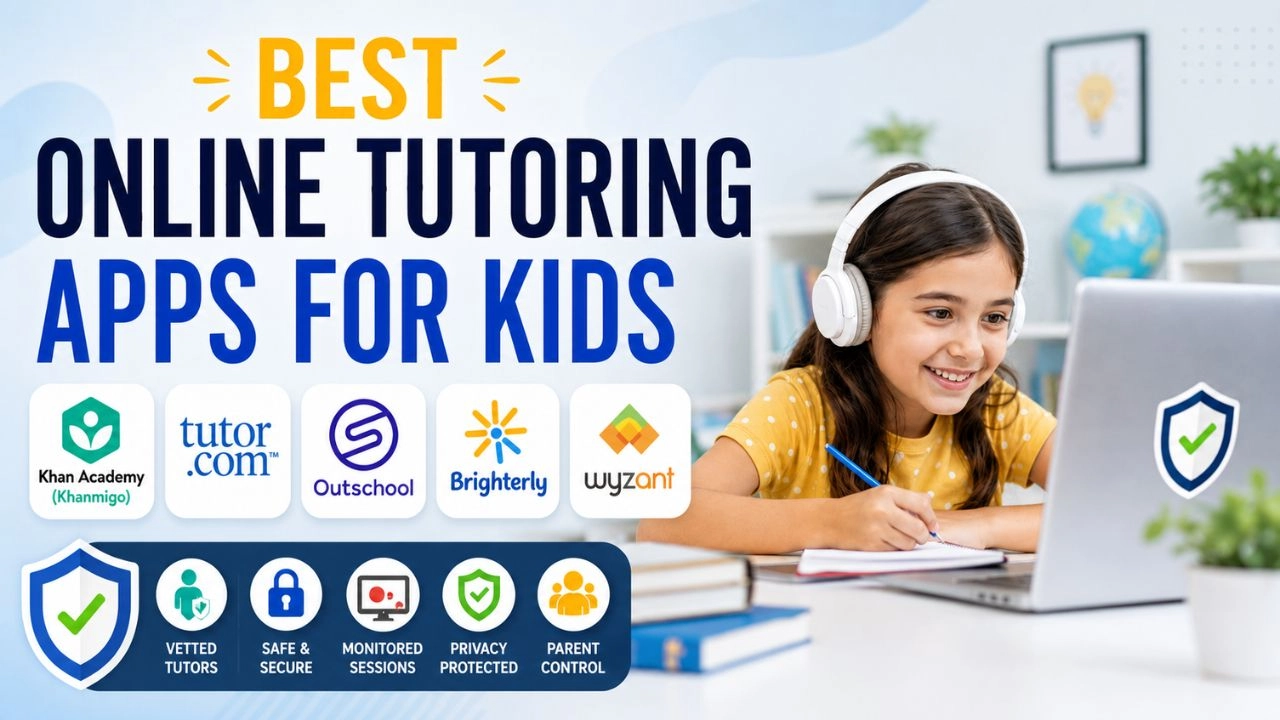
The global online tutoring market was worth $68 billion in 2024 and is expected to reach $83 billion in 2025 — and it shows. For every genuinely excellent, child-safe tutoring platform out there, there are three more that are poorly vetted, commercially exploitative, or simply ineffective. Parents searching for help at 9 PM with a child in tears over homework are exactly the audience these platforms target — and not all of them deserve the trust.
This guide separates the genuinely safe, effective picks from the ones you should approach carefully or avoid altogether — and gives you a framework for evaluating any new platform before handing over your card details or letting your child log in.
What “Safe” Actually Means for a Tutoring Platform
Before the recommendations, it is worth being specific about what safety means in this context. A tutoring app is safe when it:
- Vets its tutors — background checks, credential verification, not just self-reported qualifications
- Restricts tutor-student communication to the platform — no personal contact details shared
- Records or monitors sessions — so parents can review, and inappropriate conduct is detectable
- Has a clear safeguarding policy — documented, not just implied
- Keeps children’s data private — COPPA-compliant (US) or GDPR-compliant (UK/EU)
- Does not allow direct messaging outside supervised sessions
Any platform that cannot clearly answer how it handles these five things deserves scrutiny before you use it with a child.
The Safe Picks: Recommended Platforms by Age and Need
🥇 Khan Academy — Best Free Option (All Ages)
Best for: Self-paced learning, foundational subjects | Price: Free | Ages: 2–18
Khan Academy is a nonprofit offering completely free educational content for all ages, covering math, science, economics, arts, humanities, reading, life skills, and computer science. It is not a live tutoring service — there is no real-time tutor interaction — but it is one of the most thoroughly researched, rigorously designed, and genuinely child-safe educational tools in existence.
Why it is safe: No live adult-child interaction whatsoever. No personal data monetization (nonprofit). COPPA-compliant. Sessions are entirely self-directed.
Khanmigo — Khan Academy’s AI Tutor: Khanmigo is Khan Academy’s AI tutor built on GPT-4 but designed specifically for education. Critically, it uses Socratic questioning — it won’t just give your child the answer. It guides them to the solution through questions, making it one of the few AI tutors that actually promotes learning rather than just providing answers. It costs $44/year per family.
Limitation: No live human tutor — so children who need encouragement, relationship, or accountability from a real person will not find it here.
🥈 Tutor.com — Best for On-Demand Homework Help
Best for: Immediate homework support, K–12 | Price: From $39.99/month | Ages: K–12
Tutor.com delivers immediate on-demand support — your child logs in, gets matched with a tutor, and gets help within minutes. Available 24/7 across all core K–12 subjects.
Why it is safe: All tutors are background-checked and credential-verified. Sessions take place inside a monitored, recorded virtual classroom — no external contact. Parents can review session transcripts. No personal information is shared between tutor and student.
Parent tip: Many public libraries in the US offer free Tutor.com access with a library card — check your local library before paying for a subscription.
Limitation: On-demand matching means your child gets a different tutor each session — less suitable if consistency and relationship-building matter.
🥉 Outschool — Best for Young Children and Enrichment
Best for: Ages 3–18, live classes and enrichment | Price: Pay per class (average $15–$30) | Ages: 3–18
Outschool offers 140,000+ live classes across academics and enrichment subjects. Small class sizes — usually 5 or fewer kids — make it one of the stronger options for neurodiverse learners. Teachers are vetted before hosting classes, and every profile includes real family reviews
Why it is safe: Teachers go through Outschool’s vetting process. All classes are live and recorded. Parent accounts hold full control — children cannot create accounts independently. Communication between tutors and students is platform-only. Outschool is also ESA-eligible in many US states, allowing families with Education Savings Accounts to pay through ClassWallet or Odyssey.
What makes it different: It is the only major platform that combines live academic tutoring with enrichment classes — art, creative writing, languages, coding, music. For younger children especially, this breadth is valuable.
Limitation: Not ideal for urgent homework help — classes are scheduled in advance.
Brighterly — Best for Young Children: Math and Reading
Best for: Ages 4–12, math and reading | Price: From ~$28/session | Ages: 4–12
Brighterly is an online math tutoring platform designed specifically for young learners, offering child-friendly lessons delivered by expert tutors to help kids build confidence and strengthen foundational math skills. It offers personalized learning plans, regular progress reports for parents, and a first lesson free.
Why it is safe: One-on-one sessions within a dedicated platform. Tutors are verified educators. No external communication. Parent progress dashboard included.
Limitation: More limited subject range than general platforms. Sessions are more expensive per hour than marketplace alternatives.
Wyzant — Best for Specialist and Secondary Subjects
Best for: Ages 10+, specific or advanced subjects | Price: $10–$100+/hour (tutor-set rates) | Ages: All ages
Wyzant is a US-based tutoring marketplace connecting students with over 65,000 tutors across 300+ subjects — from K–12 academics and test prep to music, art, and coding. Both online and in-person sessions are available.
Why it is conditionally safe: Sessions take place in Wyzant’s virtual classroom with chat logs and session tools visible to parents. Tutors have publicly verified reviews and visible credentials. No free trial, but if the first tutor is not a good fit, Wyzant won’t charge for the lesson.
Limitation: Wyzant is a marketplace, not a managed platform — which means tutor quality varies considerably. Spend time reading reviews and checking credentials before booking. Not all tutors on the platform hold formal teaching qualifications.
Quick Comparison
| Platform | Ages | Price | Live Tutor | Safety Standard | Best For |
|---|---|---|---|---|---|
| Khan Academy | All | Free | No (AI only) | Excellent | Self-paced learning |
| Tutor.com | K–12 | ~$39.99/mo | Yes, on-demand | Excellent | Urgent homework help |
| Outschool | 3–18 | Per class | Yes, scheduled | Excellent | Young kids, enrichment |
| Brighterly | 4–12 | ~$28/session | Yes, 1-on-1 | Very Good | Young kids, math/reading |
| Wyzant | All | $10–$100+/hr | Yes, 1-on-1 | Good (varies) | Specialist subjects |
What to Approach With Caution
Not all widely used platforms warrant the same confidence. These are not recommendations to avoid outright — but they deserve careful scrutiny before use with children:
General AI homework apps (Photomath, Socratic by Google): Apps like Photomath and Socratic give direct solutions — they answer the problem without teaching the concept. Used as a shortcut, they actively undermine learning. Used carefully — to check completed work, not to replace doing it — they can be useful for older students. Not recommended as a primary tool for children under 12.
Chegg: A long-established homework help platform that has faced criticism for enabling academic dishonesty — its model is built around answer provision, not concept teaching. More appropriate for college students than school-age children.
Unvetted marketplace tutors (social media, Craigslist, Facebook groups): Parents finding tutors through informal social media posts take on all safeguarding responsibility themselves. There is no platform monitoring, no session recording, no background check verification. Use established platforms instead.
Apps requiring children to create their own accounts independently: Any tutoring app that allows a child to sign up, communicate with tutors, and conduct sessions entirely without a parent account is a safeguarding concern. Always use platforms where the parent account is the primary account.
5 Questions to Ask Before Using Any Platform
1. How are tutors verified? Background check? Credential verification? Or just self-reported?
2. Are sessions recorded or monitored? Can you review what was said and shown?
3. Where does communication happen? If tutors can contact your child via WhatsApp, personal email, or any channel outside the platform — walk away.
4. What is the data policy? Does the platform sell children’s data? Is it COPPA-compliant?
5. What is your child’s account structure? Is your child on a sub-account under your parent login, or do they have independent account access?
The AI Tutor Question — A Word on What’s Coming
AI tutoring is the fastest-growing category in educational technology in 2026. The gap between a well-designed AI tutor and a poorly designed one is enormous and matters significantly for children.
The key distinction: Khanmigo uses Socratic questioning to teach — it won’t just give answers. For actual learning, Khanmigo is excellent for K–12. For young kids (K–5), Synthesis Tutor stands out with its multisensory approach and is especially good for neurodiverse learners at $95/year for a family plan covering up to 7 children.
The recommendation: use AI tutors that guide to answers (Khanmigo, Synthesis) not ones that provide them (Socratic, Photomath) — especially for primary and middle school children where understanding the process matters more than the answer.
👉 For guidance on how much screen time is appropriate for educational use, see our article on screen time by age: what experts actually recommend.