
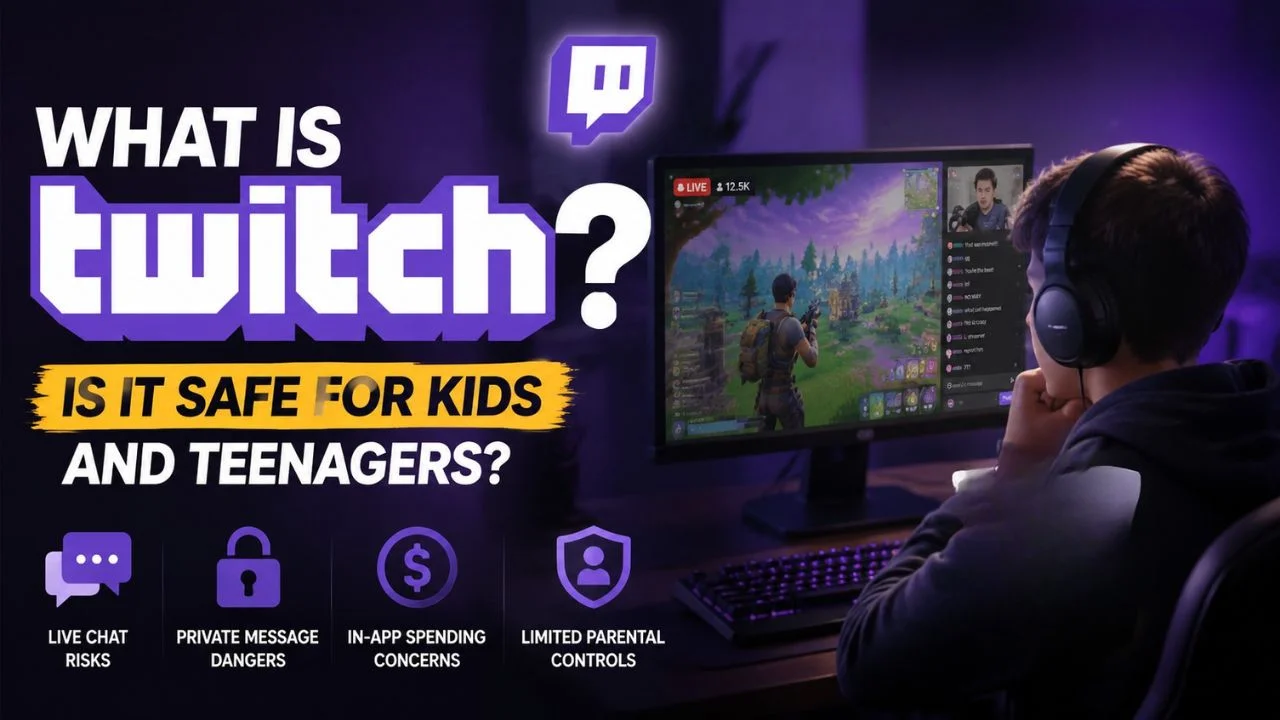
Your child comes home and says they want to watch someone play Fortnite on Twitch — or worse, they want to start their own Twitch channel. Either way, you need to understand what Twitch actually is before you say yes or no.
Twitch is the world’s largest live-streaming platform, with around 140 million monthly active users. It started as a gaming platform but has grown into something much broader.
Today it hosts live cooking shows, music performances, art streams, political commentary, and one of its biggest categories — Just Chatting, where streamers simply talk to their audiences. Think of it as live, unscripted TV where anyone can be the broadcaster — and where viewers interact in real time through a live chat running alongside the stream.
That last part — live and unscripted — is exactly what makes Twitch different from YouTube and exactly what makes it riskier for younger users.
| Quick Stats: Minimum account age: 13 (self-reported — no ID verification) App Store rating: 17+ (Apple) | Teen (Google Play) Monthly active users: ~140 million Biggest categories in 2026: Just Chatting, Gaming, Music, IRL Streams Parental controls: Minimal — no parent dashboard, no linked account system |
Why Twitch Is Different From YouTube
YouTube content is pre-recorded. A creator can edit, remove, and review everything before it reaches viewers. Twitch is live, which means there is no edit button and no delay long enough to catch and remove inappropriate content before your child sees it.
This real-time nature is both the appeal and the core risk. A streamer might use sudden crude language, react to something unexpected, or have their chat flooded with inappropriate comments — all in real time, with no filter. Even a creator who is generally appropriate can have bad moments on stream that no parent could have anticipated from watching a previous broadcast.
The Real Risks Parents Should Know
Unpredictable Live Content
Even streams that seem kid-friendly can shift instantly. A gaming stream can turn into a heated argument, graphic game content, or an unexpected adult conversation. There is no way to pre-screen a live stream the way you can preview a YouTube video. Twitch requires streamers to apply content classification labels — labeling streams for things like violence, sexual themes, or gambling content — but this relies entirely on the streamer doing it correctly, and many do not.
Live Chat — Fast, Unfiltered, and Often Toxic
Live chat moves fast — sometimes thousands of messages per minute on popular streams. Profanity, hate speech, sexual comments, and cyberbullying appear constantly in large chat rooms, often faster than moderators can remove them. Twitch’s AutoMod tool helps filter some of this automatically, but it is far from perfect. For younger viewers, this firehose of unfiltered adult commentary is one of the platform’s most consistent hazards.
Private Messages (Whispers)
Twitch allows users to send private messages — called Whispers — to anyone on the platform. This is a direct risk vector for predatory contact with minors. The FBI has documented that 90% of sexual advances against children online occur through chat rooms or private messaging. Twitch Whispers are off by default for new accounts, but they can be enabled, and children who don’t understand this risk may turn them on or respond to strangers who reach out.
Source: FBI Crimes Against Children data, cited by Gabb.com, 2025
Parasocial Relationships and Spending
Streamers are skilled at making viewers feel like close personal friends — using first names, making eye contact with the camera, saying ‘we’ to include the audience. For a socially anxious or lonely teenager, this can feel like a genuine connection. The danger is twofold: teens become emotionally invested in creators they don’t actually know and are more likely to spend real money supporting them through subscriptions (from $4.99/month) and Bits (Twitch’s virtual currency for donations). Impulsive spending without parental knowledge is a frequently reported issue.
No Meaningful Parental Controls or Age Verification
This is Twitch’s most significant weakness from a parent’s perspective. There is no Family Center or parental dashboard — nothing like what Discord or Instagram have introduced in recent years. Twitch has no linked account system that allows parents to monitor activity. Age verification at signup is self-reported only — a child can enter any birth date and gain full access. Twitch does have settings parents can configure on a teen’s account, but they require manually adjusting settings in that specific account rather than any parent-facing tool.
What Twitch Has Improved in 2025–2026
Twitch has made some genuine safety improvements, though they fall short of what competitors like Discord and Instagram have rolled out:
- Content Classification Labels: Streamers are now required to label broadcasts for mature content including violence, sexual themes, gambling, and drug use. Viewers can filter out labeled content in account settings.
- AutoMod Improvements: Twitch’s automatic chat moderation has improved in detecting and removing harmful messages — but still relies heavily on individual streamers enabling and configuring it for their own channels.
- Shield Mode: A streamer-side tool allowing channels to lock down chat during raids or hostile takeovers — useful for protection but irrelevant to what a viewer’s child encounters.
- Age Verification (Limited): As of 2026, Twitch has begun rolling out age verification tools in certain regions to comply with local digital safety laws — including facial estimation or parental vouching for users 13–15. This is not yet globally implemented.
| The Gap That Still Exists: Twitch’s improvements help streamers manage their own channels better. They do little to protect a child who is watching someone else’s stream. There is no parent-facing dashboard, no linked account system, and no way for a parent to see what their child has been watching on Twitch without physically checking the device. |
What Age Is Twitch Appropriate For?
| Age | Verdict | Guidance |
| Under 13 | Not appropriate | Against Twitch’s own Terms of Service. Violates COPPA. |
| 13–14 | Not recommended | App rated 17+ on Apple. Too many unfiltered risks for this age group. |
| 15–16 | Only with active supervision | Approved streamers only. Watch alongside them initially. No Whispers. No spending access. |
| 17+ | Appropriate with awareness | Discuss parasocial relationships and spending. Co-view initially with new streamers. |
6 Steps to Make Twitch Safer Right Now
- 1. Disable Mature Content: In your teen’s account go to Settings > Security and Privacy > turn off Mature Content. This filters streams that streamers have labeled as 18+.
- 2. Block Whispers From Strangers: Go to Settings > Security and Privacy > Block Whispers from Strangers. This prevents unknown users from sending private messages. This is the single most important safety step.
- 3. Preview Every Streamer First: Before your teen follows a new creator, watch a few hours of that streamer yourself. Language, topics, and community culture vary enormously between creators.
- 4. Remove Payment Access: Do not link a debit or credit card to their Twitch account. If they want to subscribe to a channel, use a prepaid card with a set limit. Impulsive spending on Bits and subscriptions is a genuine and common problem.
- 5. Check Their Following List Regularly: Your teen’s Following list shows every channel they watch. Review it periodically and have a conversation about any creators you don’t recognize or are concerned about.
- 6. Use a Third-Party Parental Control App: Since Twitch has no built-in parent dashboard, apps like Qustodio or Bark can monitor screen time on Twitch, alert you to concerning activity, and help you set daily time limits on the platform.
What If Your Teen Wants to Stream on Twitch?
This is increasingly common — many teenagers see popular streamers and want to do it themselves. If your teen wants to start streaming, the risk profile changes significantly. They are now broadcasting live to strangers, not just watching.
Twitch’s own rules require parental consent and supervision for all streamers aged 13–17, with a parent or guardian present during streams. The practical reality is that this level of supervision is difficult to maintain consistently. Streaming publicly exposes your teen’s voice, potentially their face, their home environment, and their daily schedule to an unknown audience.
If you allow it: strict rules are essential — no showing their face, no revealing location or school, no accepting contact or gifts outside the platform, and you must be present during streams. Most experts recommend waiting until at least 16 before allowing public streaming, and even then with clear boundaries in place.
The Bottom Line
Twitch is not designed with child safety as a priority. It is a live, unscripted, adult-skewing platform with minimal built-in parental controls, no parent dashboard, and real-time content that cannot be pre-screened. The Apple App Store rates it 17+ — and that rating reflects the reality of what the platform contains.
That does not make Twitch off-limits for older teenagers — but it does mean that for 15 and 16-year-olds, active involvement from parents is not optional; it is essential. Know who your teen is watching. Disable Whispers. Remove payment access. And have the conversation about parasocial relationships before it becomes a problem, not after.
References
Twitch Terms of Service & Children on Twitch: help.twitch.tv/s/article/children-on-twitch
Screenwise — The Ultimate Twitch Safety Guide for Parents (March 2026): screenwiseapp.com
Kinzoo — Should Kids Use Twitch? Your 2025 Guide: kinzoo.com/blog
Gabb — Is Twitch Safe for Kids? (June 2025): gabb.com/blog/is-twitch-safe-for-kids
Mobicip — Is Twitch Safe for Kids (2025): mobicip.com/blog/is-twitch-safe-for-kids
Children of the Digital Age — Twitch Parental Controls 2025: childrenofthedigitalage.org